

One of the first major steps in creating an identifiable brand is designing a new logo that no other business will use. This is now easily done with the help of AI-powered logo generators that can create a new logo in just a few minutes; however, the potential for each generator to provide you with a new, customizable, and deep branding experience varies greatly.
To determine which of these three options provides the best option for creating a new and scalable logo in 2026, this article compares Wix, LogoAI, and Design.com.
Quick Comparison Chart
| Feature | Wix | LogoAI | Design.com |
| AI Logo Generation | Questionnaire-based AI | Automated AI suggestions | Advanced AI with brand-aware editing |
| Template Variety | Moderate | Moderate | 400K+ logos + 1M+ total templates |
| Customization Depth | Basic to moderate | Moderate | Advanced editing + AI chat tools |
| Exclusive Assets | Limited | Limited | 62K+ vector shapes + exclusive fonts |
| Branding Tools | Basic brand kit | Basic brand kit | 50+ full branding tools |
| File Formats | Web & print files | Vector + high-res | SVG, EPS, PDF, PNG, JPG, GIF, MP4 |
| Licensing Options | Standard commercial use | Commercial use | Extended licensing available |
| Best For | Wix website users | Quick startup logos | Unique, scalable brand identity |
Design.com
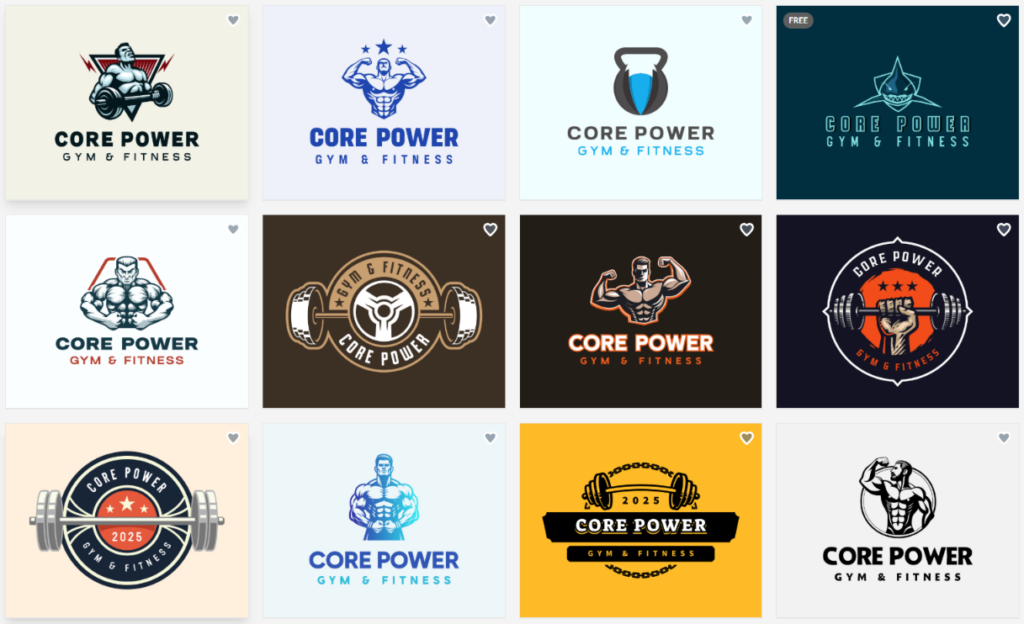
Made with Design.com
Design.com is a large-scale AI-powered branding platform that provides the largest library of designs available. It includes an entire ecosystem of branding tools and exclusive designs.
Features
- Logo Generator: Design.com uses AI to provide smart suggestions that are related to your industry and preferences in style.
- Template Library: Design.com has over 400,000 logos and a total of over 1 million template designs available.
- Assets: The Design.com has over 62,000 vector shapes, exclusive icons, and 750+ fonts (525+ are exclusive fonts).
- Editing: Using an AI-based, Intuitive AI-style interface, you can edit the logo’s text and icons using copyright-free technology.
- Tools: There are 50+ tools on Design.com to help create logos, websites, social media posts, business cards, flyers, posters, presentations, QR codes, menus, and much more.
- Brand Synchronization: Once you upload your logo, all the templates will automatically sync to your logo’s color palette to ensure that your branding is consistently applied across all templates.
- Ownership: If desired, you can purchase extended licensing for exclusive ownership of your logo.
- File Types: Your final designs will be available in multiple file types, including SVG, EPS, PDF, PNG, JPG, GIF, MP,4, and also have the option to include transparent backgrounds as well as icon-only versions.
- Printing Options: Design.com offers printing services for business cards, apparel, mugs, and many other forms of branded merchandise.
- Free logos: You’ll get high-quality, high-res, industry-standard files as well as access to a free website builder, link in bio creator, and digital business card maker for free.
Design.com is a unique tool due to its size, exclusive assets, level of AI editing capabilities, and overall suite of branding tools. It allows for a great deal of flexibility and creativity when compared to other platforms, which may limit users to only creating logos.
LogoAI
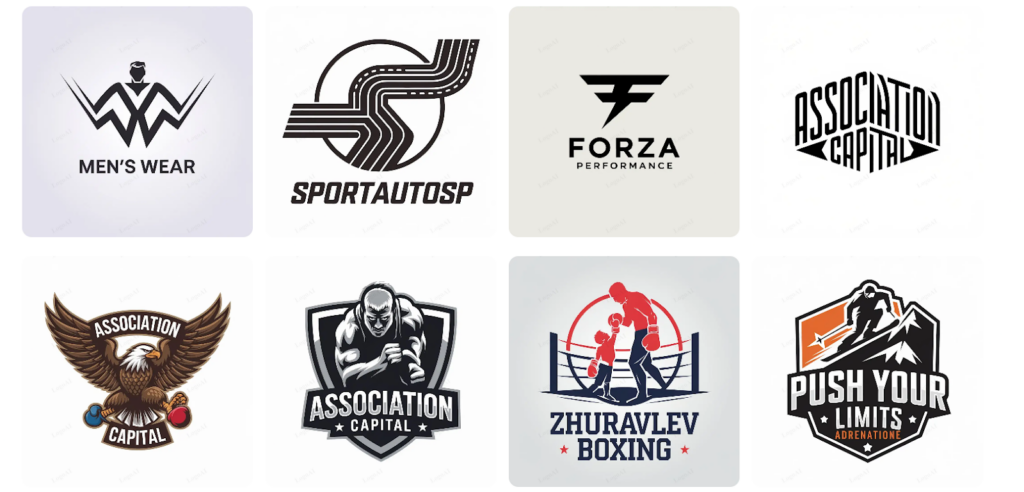
Made With LogoAi
LogoAI uses a combination of AI to create logos quickly, with automatic suggestions for styles and colors. The primary user base for LogoAI is small startup owners or entrepreneurs looking for rapid logo creation using as few design tools as possible.
Features
- AI Logo Generation: Provides you with instant ideas for logos, based on your company name and/or type of industry.
- Style Suggestions: Uses AI to suggest potential font combinations and color palettes to be used in conjunction with the suggested fonts.
- Customizable Templates: Allows users to edit layouts, add icons, adjust spacing, and modify typography.
- Vector and High-Resolution Files: Can be used digitally and/or printed.
- Basic Branding: Higher-tier versions include social media files that are ready to use.
LogoAI has created an effective means of producing logos. Although LogoAI creates decent AI-based logo recommendations, the ability to deeply customize and expand upon a brand is limited for companies seeking very unique logos.
Wix
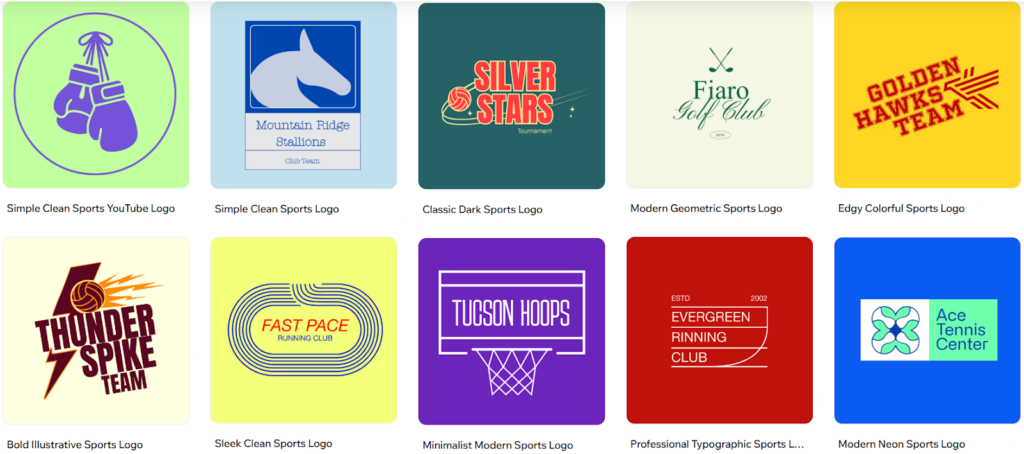
Made with Wix
Although well-known as a website builder, Wix has developed an AI-based logo designer in addition to the website design features of its platform. This logo builder is generally intended for users who wish to have brand assets that are integrated into their Wix website.
Features
- AI Logo Builder: Uses the answers from a brief brand survey to generate logo ideas.
- Logo Editor: Allows easy editing of font, icon, color, and layout options via a user-friendly editor.
- Website Connection: Easily integrates logo designs created by this tool into Wix websites.
- Web/Print Ready File Options: Web and print-ready file options can be purchased based on the logo package selected.
- Social Media Branding Materials: Offers additional branded social media files and other branded marketing materials.
Wix is very convenient for users currently creating a website using one or more Wix tools. As a logo builder, however, Wix’s logo builder is more functional than highly innovative and has limited logo template choices when compared to specialized logo builders.
Final Verdict
Three options are available that use AI to create logos, which can help you save both money and time as opposed to having a designer design one for you.
Wix is best for those who are creating an entire site using Wix and also need their brand to be incorporated into their site through Wix’s logo builder. LogoAI is best suited for the quick creation of custom logos and the simple customization of logos created by LogoAI.
However, Design.com has the clear advantage when it comes to being able to provide business owners with a high quality, unique logo, the ability to customize their logo deeply, access to unique and exclusive assets, and the ability to expand upon their branding completely. With Design.com’s large number of templates, advanced AI editing tools, and over 50 branding features,
For a logo that will be unique and continue to grow with your business, Design.com is the best option in 2026.